
Slate Push-Card Builder
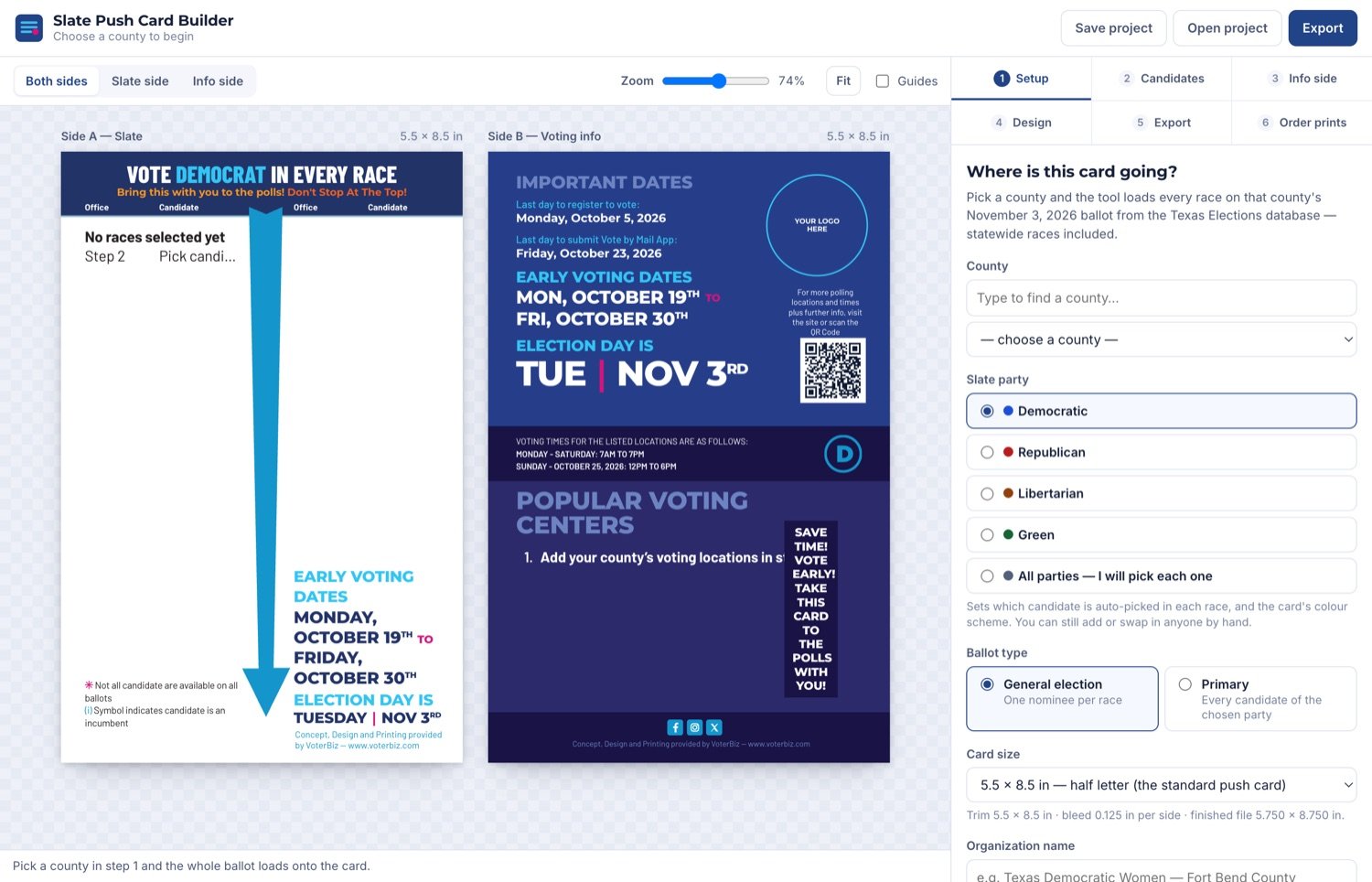
A drag-and-drop push-card builder wired directly to a live Texas elections database. Pick a county and a party, and every race on that county's real ballot loads onto a print-ready two-sided card — export straight to a press-ready PDF, bleed and QR code included.
Every push card is hand-assembled, county by county.
A campaign push card needs the right races, in the right order, for one specific county's ballot — then it needs a matching info side with real early-voting dates and locations. Done by hand in a design tool, that's slow, easy to get wrong, and has to be redone from scratch for every county and every party slate.
The fix wasn't a template — it was wiring the card straight to the real data, so the ballot can't drift out of sync with what's actually printed.
Pick a county. The whole ballot shows up.
A step-by-step builder — county, party, ballot type — that pulls every race for that county's November ballot straight from the same Texas Elections database behind the site's other civic tools, auto-fills a starting slate, and lets you swap in any candidate by hand before export.
Live ballot data
Select a county and every real race on its November ballot loads — no hand-entry, no drift.
Party-slate auto-fill
Pick a party and the tool auto-picks its candidate in every race — still swappable per-race by hand.
Two-sided design
Slate side and a matching voting-info side — dates, locations, QR code — designed together.
Print-ready export
5.5×8.5in half-letter, 0.125in bleed per side, verified QR + print geometry — press-ready, not a mockup.
A real production tool, not a design template — any county, any party, any ballot type, wired to the same live elections database that powers the rest of the civic-tech suite.